 Clanker Cloud
Clanker Cloud workspace walkthrough
A product walkthrough showing the main workspace and how operational context moves through it.
Start here: see how context, findings, approvals, and handoffs move through the main Clanker Cloud workspace.
A product walkthrough showing the main workspace and how operational context moves through it.
Install the latest Clanker Cloud desktop build for your computer.
Get the latest signed Clanker Cloud build for macOS.
Get the latest Clanker Cloud build for Windows.
Scattered ideas. Lost context.
Capture requests and requirements
Code everywhere. Hard to secure.
Code, build, and test changes
Pipelines everywhere. No visibility.
Automate quality and validation
Manual deploys. High risk.
Ship with confidence and control
Too many tools. Too much noise.
Unified observability and cost intelligence
Alerts fatigue. Slow to respond.
Respond fast and recover with confidence
Repetitive work. No automation.
Automate workflows and continuously improve
Clanker DevOps gives operators and agents one place to understand infrastructure before they act: cloud resources, Kubernetes state, repos, deploys, cost movement, security exposure, and live context.
It is provider-agnostic by design. Use it to investigate, plan, explain, and prepare reviewed changes across the environments your team already runs.
DevOps work usually fails at the context boundary. Clanker DevOps puts the relevant infrastructure, repo, cost, and security context in the same workspace.
Ask what broke, what changed, what is unhealthy, and which resources or deploys are involved.
Turn an app, repo, or request into a reviewable deploy plan with runtime, secrets, domains, cost, and rollback path.
Find spend movement, idle resources, missing tags, expensive paths, and practical savings plans before changing anything.
Review exposed surfaces, risky settings, missing auth, public endpoints, and remediation plans with a clear approval boundary.
Inspect pods, services, ingress, rollouts, events, namespaces, and provider context from the same workflow.
Let Codex, Claude Code, OpenClaw, Hermes, or internal agents ask grounded questions through the local MCP surface.
Use these demos to see how the same workspace handles FinOps investigation, security review, and deeper research workflows.
A cost review flow for spend movement, resource context, and reviewed optimization work.
A security review flow for exposed services, risky settings, and remediation planning.
A research workflow for larger estates where the answer needs evidence and a handoff trail.
Clanker DevOps uses the same workspace for read-only investigation, evidence gathering, planning, and reviewed action across the operational work that normally lives in separate tools.

The workspace starts from current system context instead of a pasted summary.
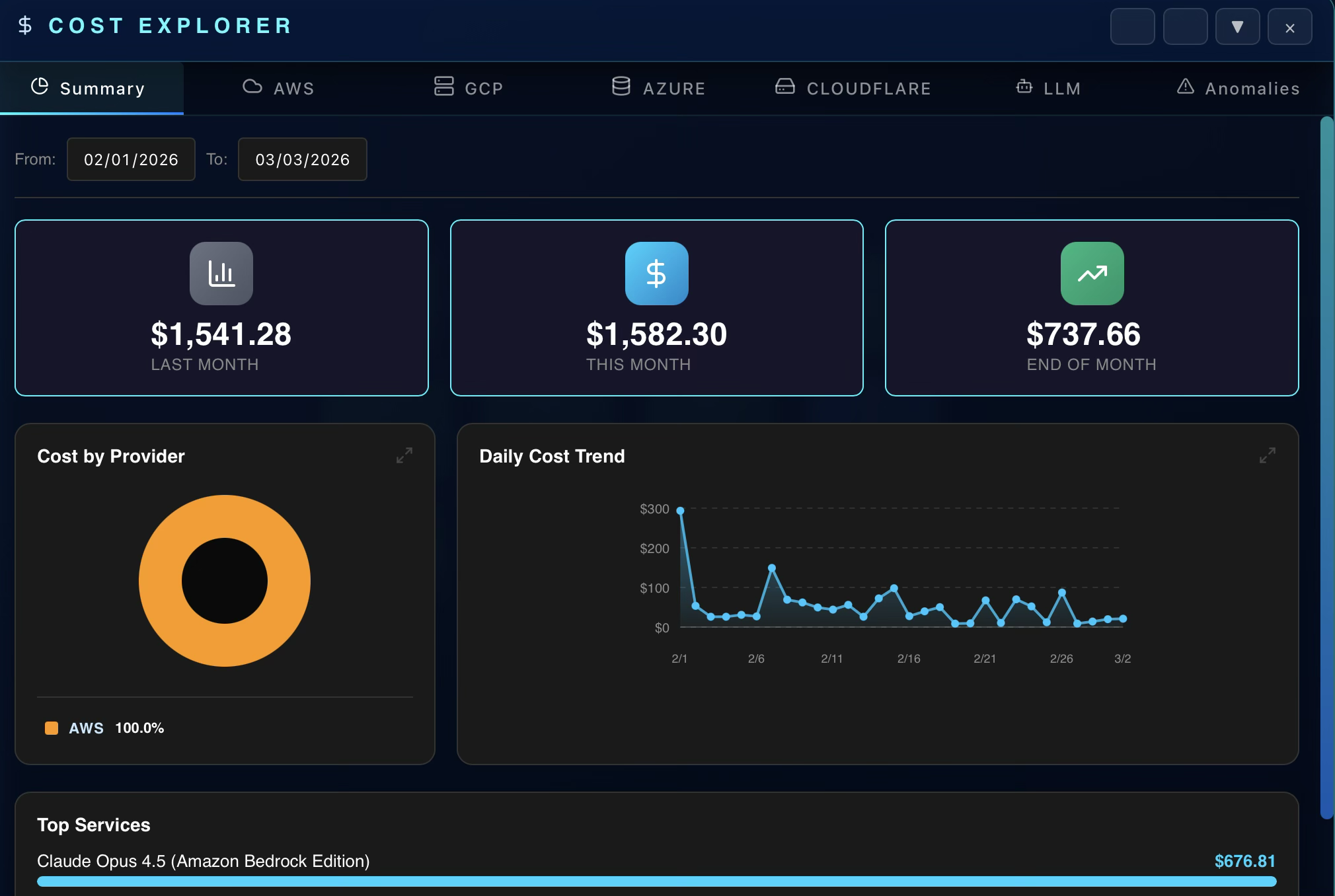
Cost movement is easier to review when it sits next to resources, ownership, and change context.
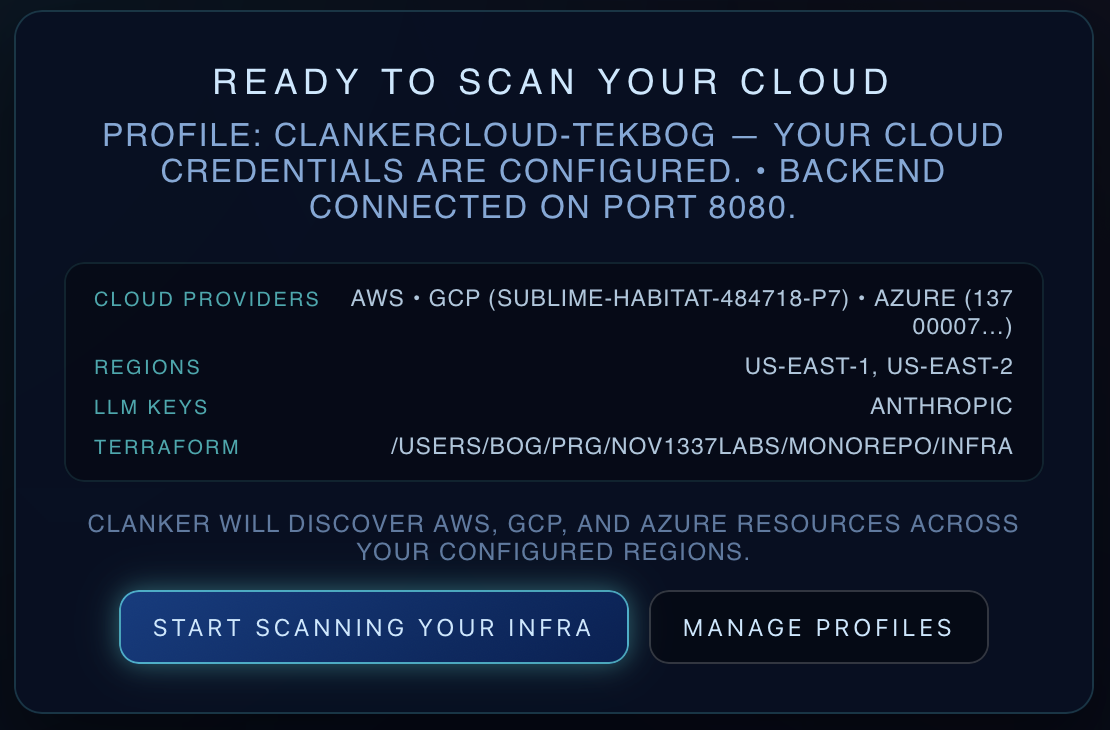
Exposure and auth reviews can produce a remediation plan without jumping straight to writes.
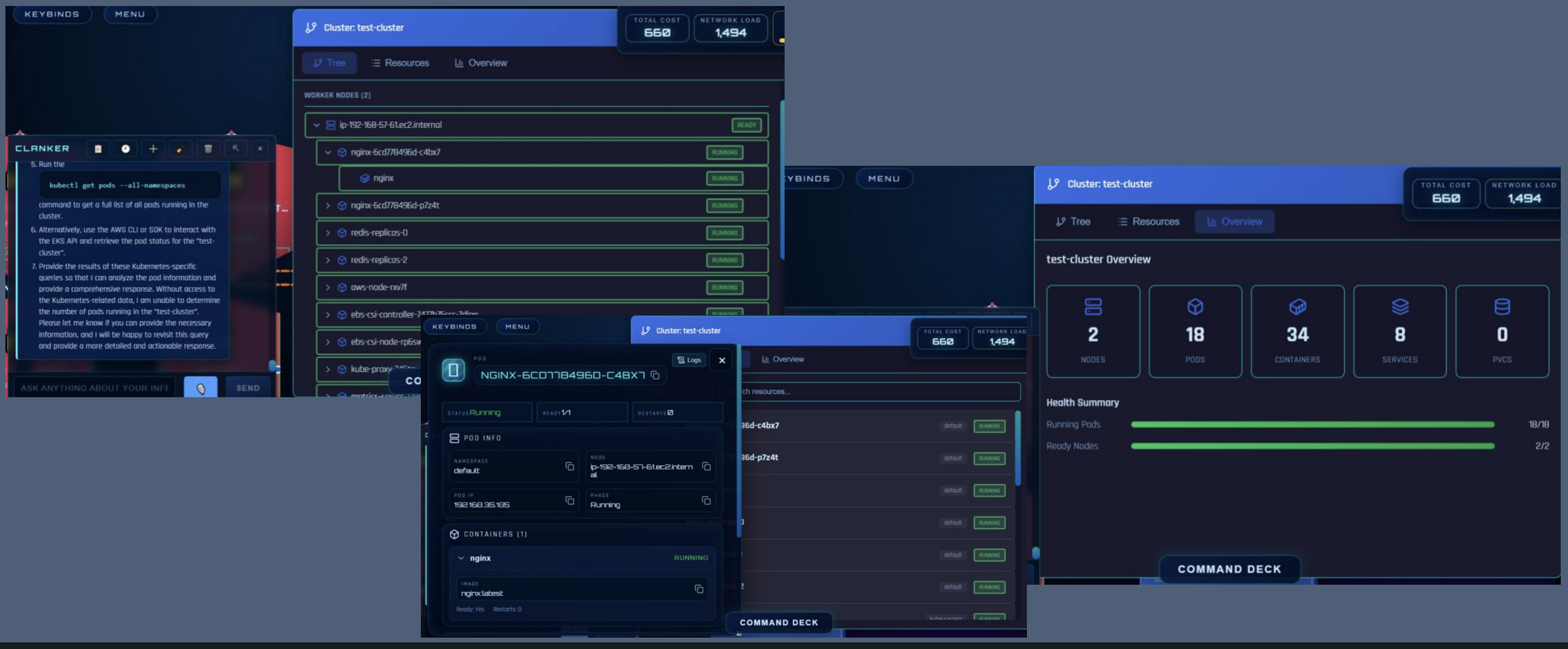
Pods, services, events, and rollout clues can sit beside provider and repo context.
Clanker DevOps is built for the moment before someone changes production: collect facts, understand the blast radius, explain uncertainty, and ask for approval.
Use one workspace for cloud providers, Kubernetes, GitHub, local tools, and agent workflows.
Investigate incidents, deploys, cost spikes, exposure, and drift before generating a plan.
Keep apply, delete, publish, and account changes behind explicit review and approval.
MCP-capable agents can use Clanker Cloud for live context instead of guessing from repo files alone.
The current product positioning covers cloud providers, Kubernetes, GitHub, and bring-your-own AI keys from one local operating surface.
Start with a grounded question, inspect live context, generate a plan, and only use maker mode when the plan is reviewed.
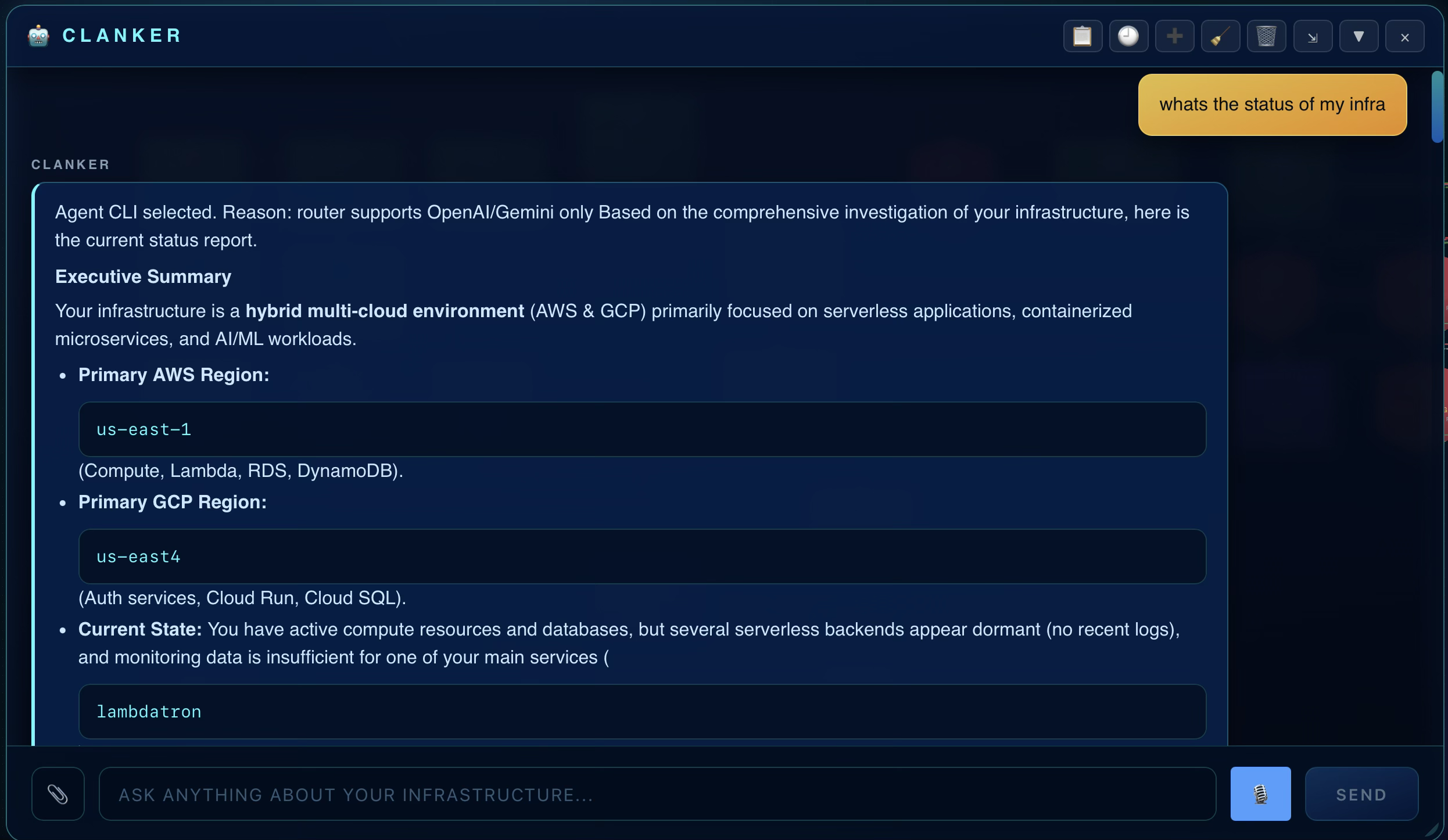
Query live infrastructure in plain English. Ask about incidents, topology, recent changes, or cost across the providers you already run.
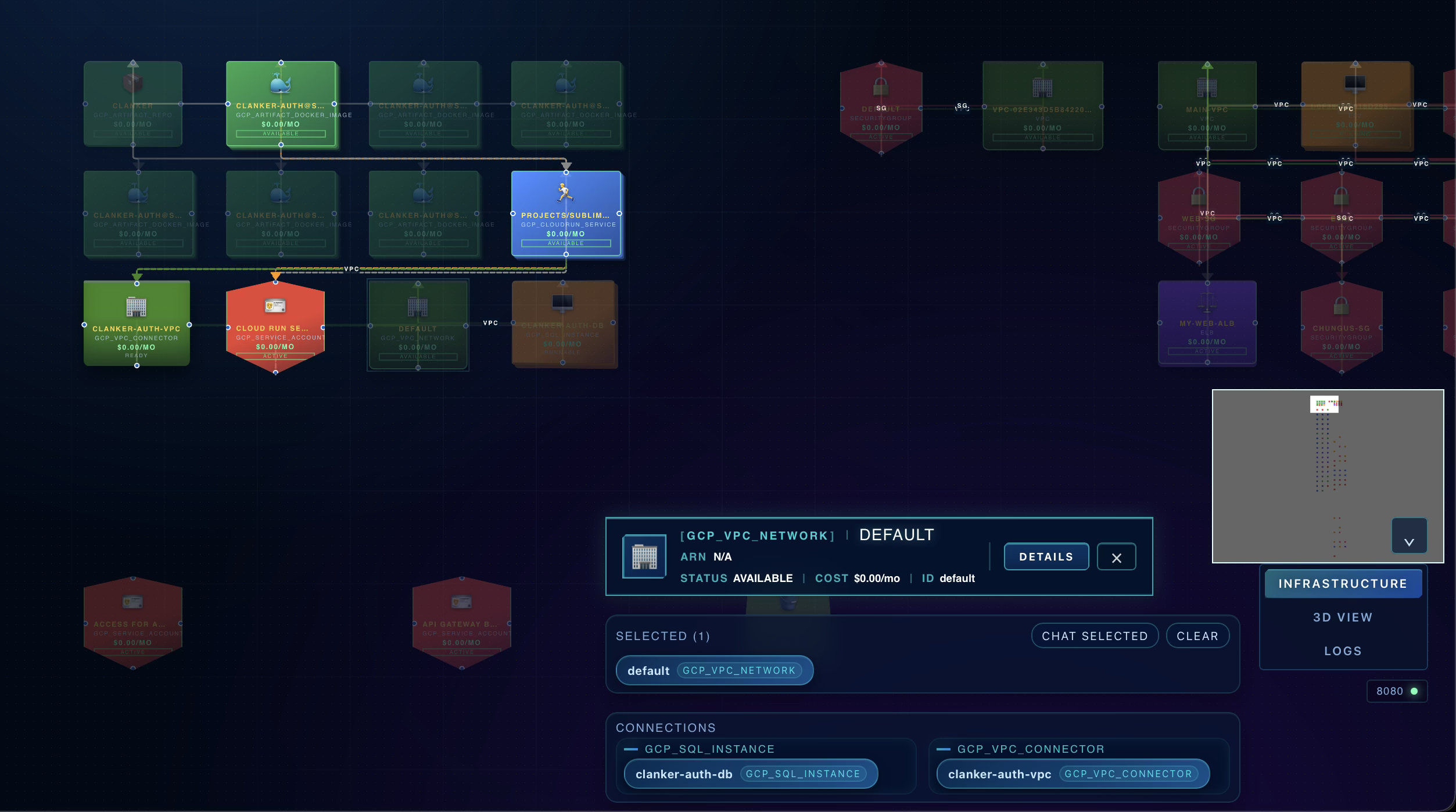
Ground answers in real environment context. Scan resources, trace dependencies, and inspect topology without bouncing between consoles.
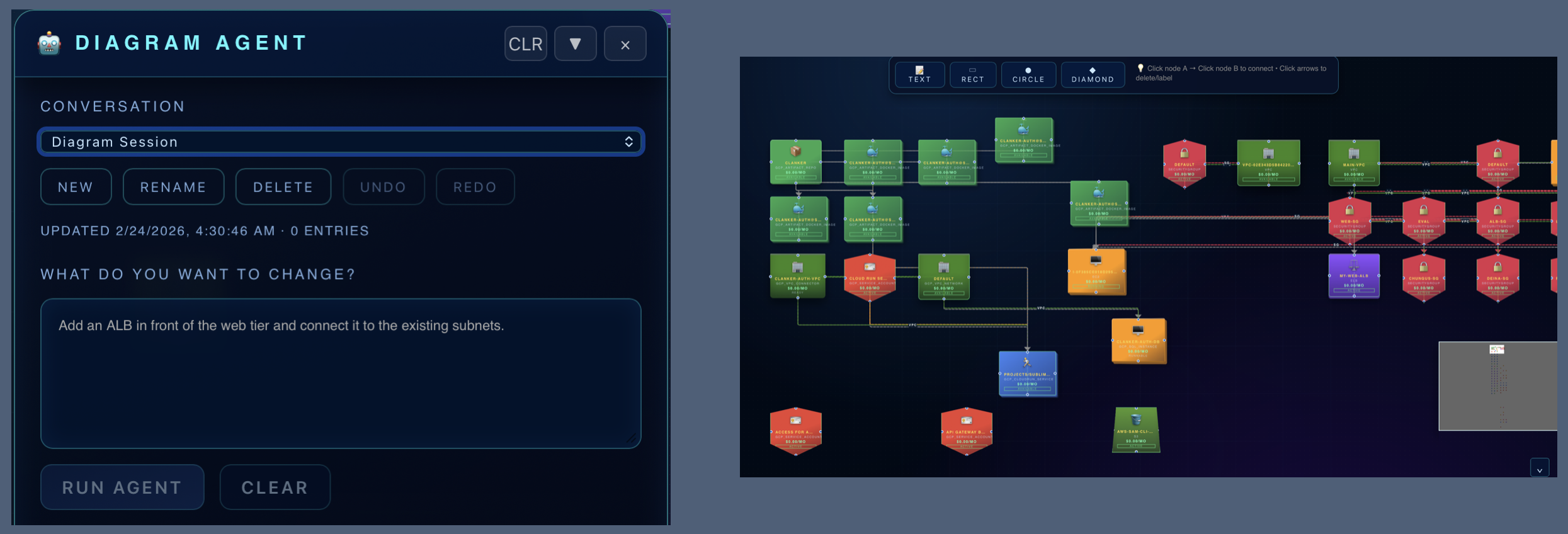
Generate a safe plan before changes. See the intended impact before anything is created, modified, or destroyed.
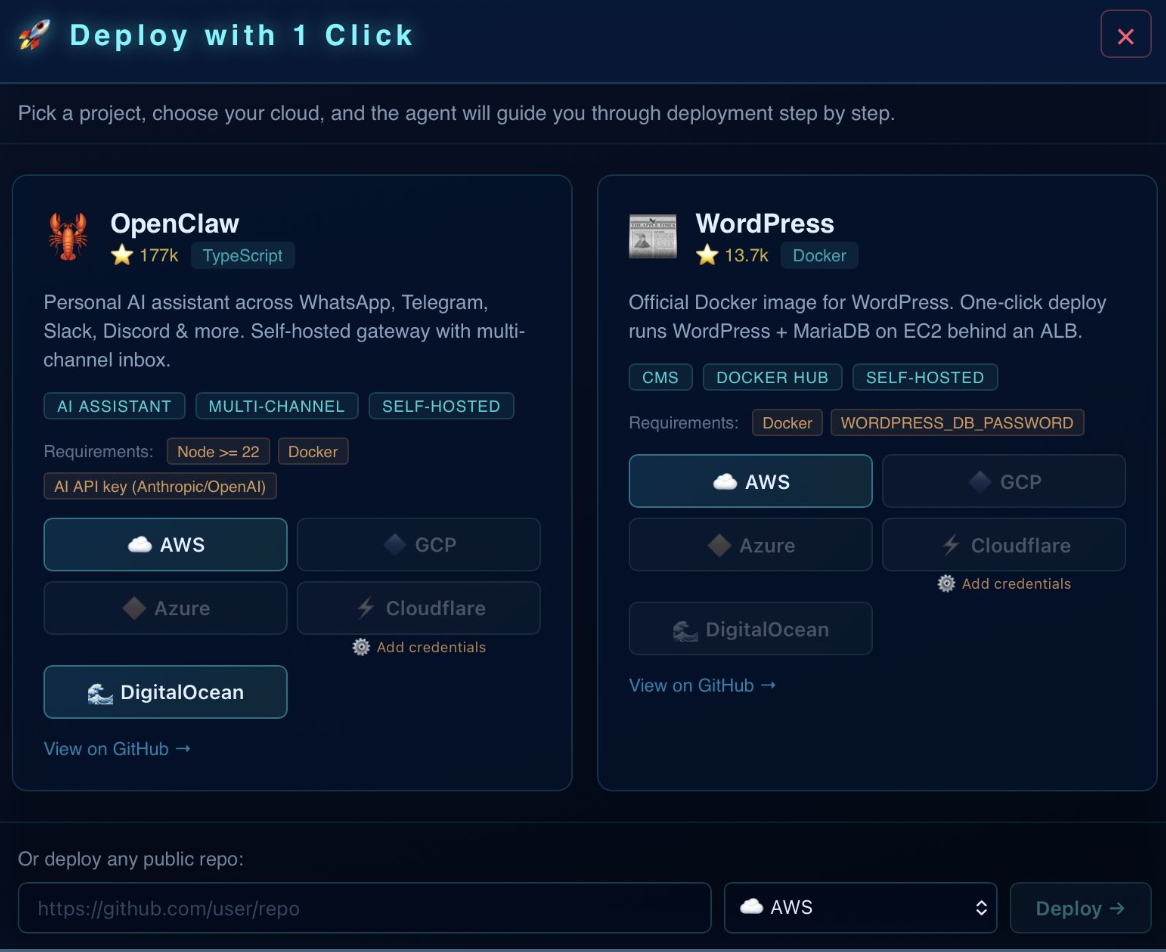
Use maker mode only when you are ready. Gather live context first, then let Clanker Cloud operate inside the boundary you configure and control.
Explore a multi-service environment, pick a scenario, inspect topology, and see how Clanker DevOps keeps cloud, repo, logs, cost, security, and plan context together.
Use the machine, profiles, and tools your team already trusts for infrastructure work.
Start with the operator question: why did it fail, what changed, what is exposed, what will this cost, or how should we deploy?
Clanker DevOps returns the facts, likely cause, confidence, and gaps before suggesting action.
Only apply, publish, delete, or change accounts after a human reviews the plan and accepts the risk.
| Job | What Clanker DevOps adds | Boundary |
|---|---|---|
| Broken deploy | Repo, runtime, rollout, logs, cluster, and provider context in one investigation. | No apply until a reviewed plan is approved. |
| Cost spike | Spend movement tied to resources, tags, regions, ownership, and recent changes. | No resize or delete from an analysis answer. |
| Security exposure | Public route, auth, DNS, ingress, and account evidence in one review. | Remediation stays behind approval. |
| Agent question | MCP access to live infrastructure context through Clanker Cloud. | Agents should not receive pasted credentials in chat. |
Works with Claude Code, Codex, GitHub Copilot, OpenClaw, and Hermes. Install the local app, make an account, and connect MCP when you want an agent to read infrastructure context or prepare reviewed work.